|
|
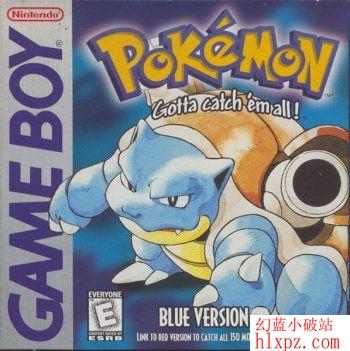
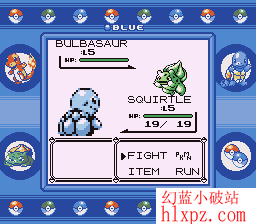
Pokemon Blue (MeBoy) Java Game
Settings:
Okay...
1. Whn u open the app, go to settings...
2. I donno abt frameskip, but keep it 3
3. make screen rotation (x90 degree) to '1' if u are using small screen phone
4. Tick Scale to fit and unmark keep proportions... U cn tick Advanced Graphics if u want
5. i donno abt advance scaling mode, so let it be '0' (zero)
6. for sound, u cn do watever u like.
7. Choose ur language
8. Keep 'other:' section unmarked
Now select Start Game
Select the pokemon game
9. Press option (I kno it wont be visible, but it is mostly above the green/call button or red/call end button, or else keep pressing buttons until u see a list which has 'Pause' option at start
10. Show/Hide the frame, keep selecting until sumthing like, for example, '0 fps*4' should hide
11. Set Buttons, set ur desired buttons
12. Full Screen, for better view
And PLAY.
If u wnt to lad that game later on, go to options n u select suspend, whn u cum bck, select resume game!!!
    |
|



 发表于
发表于